Antes de elegir un plan
¿Qué diferencia hay entre datos diarios y Total GB?
El plan diario renueva su cuota de datos de alta velocidad a la hora indicada en el producto. Total GB es una única cantidad de datos de alta velocidad para todo el período de validez. Al agotarla, considera que ya no tienes una conexión utilizable. No cuentes con una conexión de 128kbps para seguir navegando con normalidad.
¿Todas las eSIM empiezan su validez al llegar al destino?
No. Las condiciones dependen del producto. En la eSIM CelcomDigi de Malasia, elige tu fecha de llegada al comprar: enviamos el código QR por correo unas 48 horas antes de que llegues y los días del plan empiezan a contar el día de tu llegada. Los planes de itinerancia requieren activar la itinerancia de datos en el destino.
¿Cómo se entregan las SIM físicas?
Las SIM físicas incluyen envío gratuito a todo el territorio de Malasia y Tailandia. Pídelas con antelación: los festivos, el tiempo y las demoras del transportista pueden retrasar la entrega. La dirección debe estar en uno de estos dos países; deja margen antes de viajar.
¿Una SIM local es lo mismo que una SIM de itinerancia?
No. La red, la configuración y la cobertura dependen del plan concreto. Sigue las instrucciones de APN y activación que recibas con el pedido. Activa la itinerancia de datos en los planes de roaming y comprueba los países incluidos y las zonas excluidas antes de comprar.
Malaysia Tourist eSIM — CelcomDigi local network
A local Malaysian eSIM (not a roaming eSIM) on CelcomDigi, Malaysia's widest 5G/4G network. Every plan includes a Malaysian phone number with unlimited local calls — handy for drivers, hotels and emergencies (999).
Choose your plan
- Lite — light data for short stays: 6GB (3 days) up to 100GB (30 days).
- Max — big data for streaming, maps and hotspot: 30GB (3 days) up to 300GB (30 days).
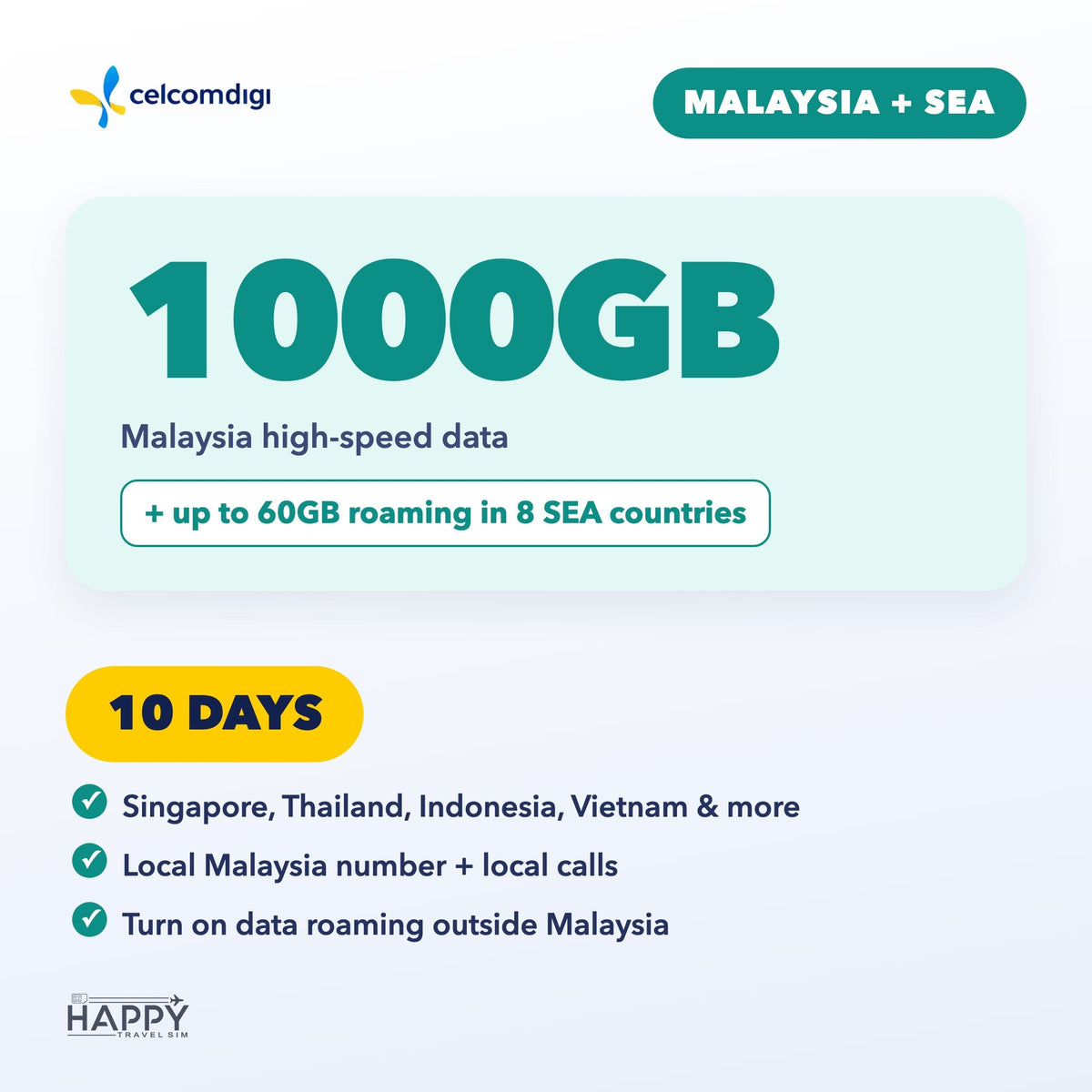
- Malaysia + SEA — Malaysia data plus up to 60GB roaming in Singapore, Thailand, Indonesia, Vietnam, Philippines, Cambodia, Laos & Brunei. 3, 5, 7, 10, 15 or 30 days.
Book by arrival date
- Pick the date you arrive in Malaysia when you order.
- We email your eSIM QR code about 48 hours before you land (right away if you arrive within 2 days). Add your WhatsApp number (optional) to get it there too.
- Install the eSIM on strong Wi-Fi before you fly — do not delete it after installing.
- Your plan days start on your arrival date (Malaysia time). Travel dates changed? Use the link in your confirmation email any time before the QR is sent.
Good to know
- Your phone must support eSIM and be carrier-unlocked. Dial *#06# — if you see an EID, your phone supports eSIM.
- Malaysia + SEA: outside Malaysia, turn on Data Roaming. APN: celcom3g.
- For travel data and calls only — it can't be used to register local apps or e-wallets, or to receive verification codes (OTP/TAC).
- Questions? support@happytravelsim.com
❓ Activation & Installation FAQ
I haven't received my QR code yet.
It is emailed about 48 hours before your arrival date (right away if you arrive within 2 days). Please also check your spam folder.
The QR code won't scan or the installation failed.
Your phone must support eSIM and be carrier-unlocked — dial *#06#; if you see an EID, eSIM is supported. Install on strong, stable Wi-Fi. If it still fails, contact us before trying again.
Installed, but no signal or data in Malaysia.
Turn on the CelcomDigi line and select it for Mobile Data. Toggle Airplane Mode on and off, or restart your phone. If needed, set the APN to celcom3g (no username or password).
Using it outside Malaysia (Malaysia + SEA plan)?
Turn on Data Roaming in your phone settings.
Still not working?
Contact us with your order number and a screenshot — WhatsApp (button on this page) or support@happytravelsim.com. ⚠️ Do NOT delete the eSIM: it can only be installed once. If our support team confirms a fault that cannot be fixed, you can request a refund review under our Refund Policy.