Happy Travel SIM
Malaysia 5G Tourist eSIM (CelcomDigi)
Malaysia 5G Tourist eSIM (CelcomDigi)
Couldn't load pickup availability
📱Check Compatibility (Dial *#06#)
📱Check Compatibility (Dial *#06#)
The easiest way to check if your phone supports eSIM:
- Dial *#06# on your phone call app.
- Look for a 32-digit number labeled "EID".
- If you see an EID number, your phone is eSIM Compatible! ✅
(If no EID is displayed, your device does not support eSIM.)
🚀 How to Use
🚀 How to Use
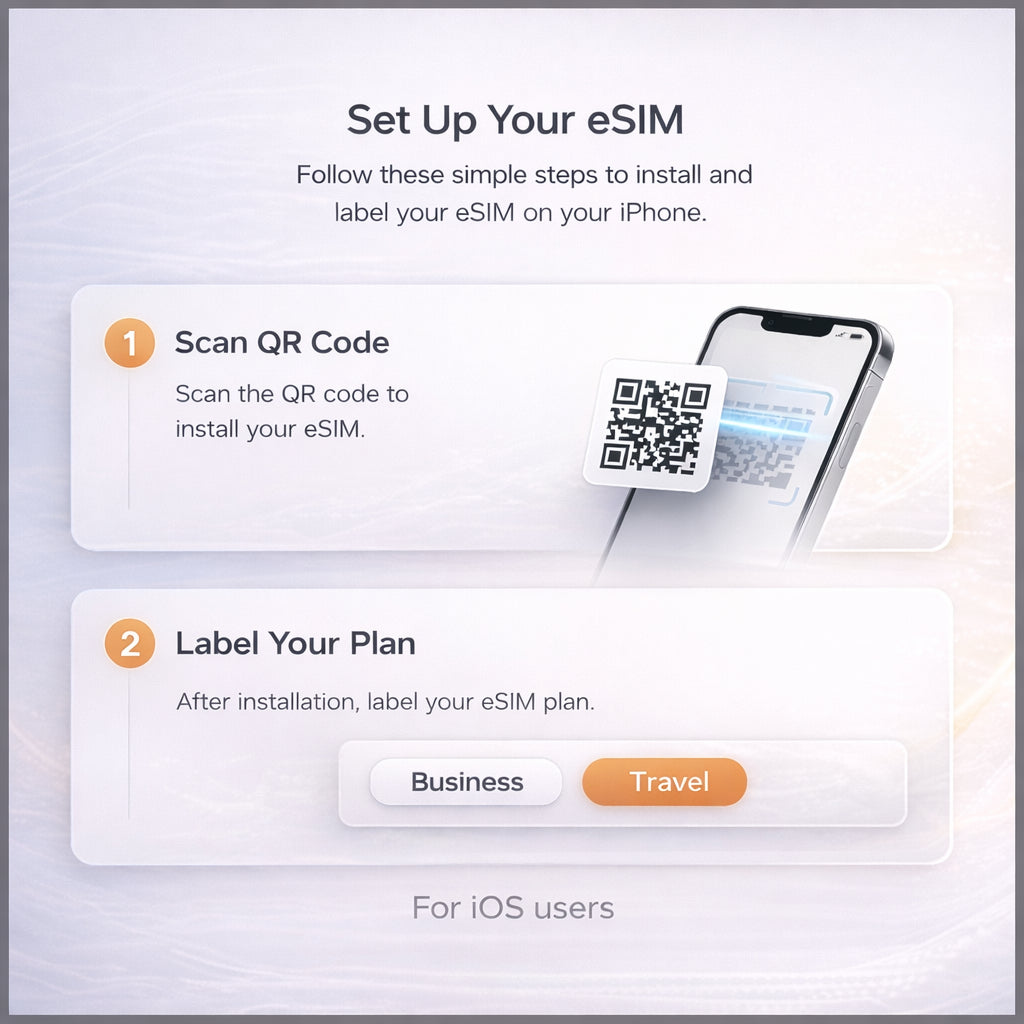
Quick Setup in 3 Steps:
- Receive: Get your QR Code via email instantly.
- Scan: Scan the QR code before you fly (WiFi required).
- Connect: Turn on "Data Roaming" when you arrive. Done!
⚠️ Important Notes
⚠️ Important Notes
Validity Policy:
- Day 1 starts TOMORROW: Validity counts from the next day after purchase.
- Bonus: Use it immediately today for free!
- No Refund: Once sent, QR codes cannot be refunded.
Malaysia 5G Tourist eSIM powered by CelcomDigi.
✔ eSIM only (no physical SIM card)
✔ Local Malaysia eSIM – not a roaming eSIM
✔ Direct connection to Malaysia’s local network
✔ Full 5G support (coverage depends on location)
✔ Light data plans available
✔ Instant QR code delivery by email
✔ One-time installation only – cannot be reinstalled if deleted
🇲🇾 Why Choose This Malaysia Local eSIM?
✔ No data roaming required – connects directly to local network
✔ Better speed & stability than international roaming eSIMs
✔ Lower latency for video calls, navigation & daily use
✔ Transparent pricing with no hidden charges
✔ Nationwide coverage across Malaysia
Coverage includes:
Kuala Lumpur, Penang, Ipoh, Langkawi, Malacca, Johor, Sabah, Sarawak & more.
📞 Calls & Usage
✔ Unlimited local calls on all plans (VoLTE supported)
✔ Suitable for travel, work & long stays in Malaysia
Important Notes:
⚠️ Activation & Validity Policy This eSIM is activated immediately upon purchase and can be used right away.
However, the validity period starts from the next day (Day 1), not the purchase day.
✔️ Purchase today → Use immediately today
✔️ Validity countdown begins tomorrow This gives you one extra day of usage at no additional cost.
- ✅ You can set up your eSIM before arrival, and turn on it when you arrive.
📶 Strong Wi-Fi Required for eSIM Installation
A stable and strong Wi-Fi connection is mandatory when scanning and installing the eSIM.
Installation attempts on weak or unstable networks may fail and cannot be reversed or retried.
📩 Delivery
Instant eSIM QR code will be sent to your email after purchase.
Please ensure a valid email address is provided at checkout.