購入前の確認
毎日定量と総容量(Total GB)の違いは?
毎日定量プランは、商品に記載された時刻に1日分の高速データ容量が更新されます。総容量プランは、有効期間中に使える高速データの合計量です。総容量を使い切ったら実用的な通信は終了とお考えください。128kbpsの低速通信を通常のネット接続として期待しないでください。
どのeSIMも到着後に有効期間が始まりますか?
いいえ。開始条件は商品によって異なります。マレーシアのCelcomDigi eSIMは注文時に到着日を選択してください。到着の約48時間前にQRコードをメールでお送りし、プラン日数は到着日から数えます。ローミング型プランでは、目的地でデータローミングをオンにする必要があります。
実物のSIMカードはどこに配送できますか?
実物のSIMカードはマレーシア・タイ国内への全国配送が無料です。祝日、天候、配送業者の遅延で到着が遅れる場合があるため、早めに注文してください。配送先はこの2か国のいずれかとし、出発前に受け取れるよう余裕を持って手配してください。
現地SIMとローミングSIMは同じですか?
異なります。利用ネットワーク、設定、対応エリアはプランによって変わります。注文時に届くAPNと開通の案内に従ってください。ローミングプランではデータローミングをオンにし、購入前に対応国や対象外地域を確認してください。
Malaysia Tourist eSIM — CelcomDigi local network
A local Malaysian eSIM (not a roaming eSIM) on CelcomDigi, Malaysia's widest 5G/4G network. Every plan includes a Malaysian phone number with unlimited local calls — handy for drivers, hotels and emergencies (999).
Choose your plan
- Lite — light data for short stays: 6GB (3 days) up to 100GB (30 days).
- Max — big data for streaming, maps and hotspot: 30GB (3 days) up to 300GB (30 days).
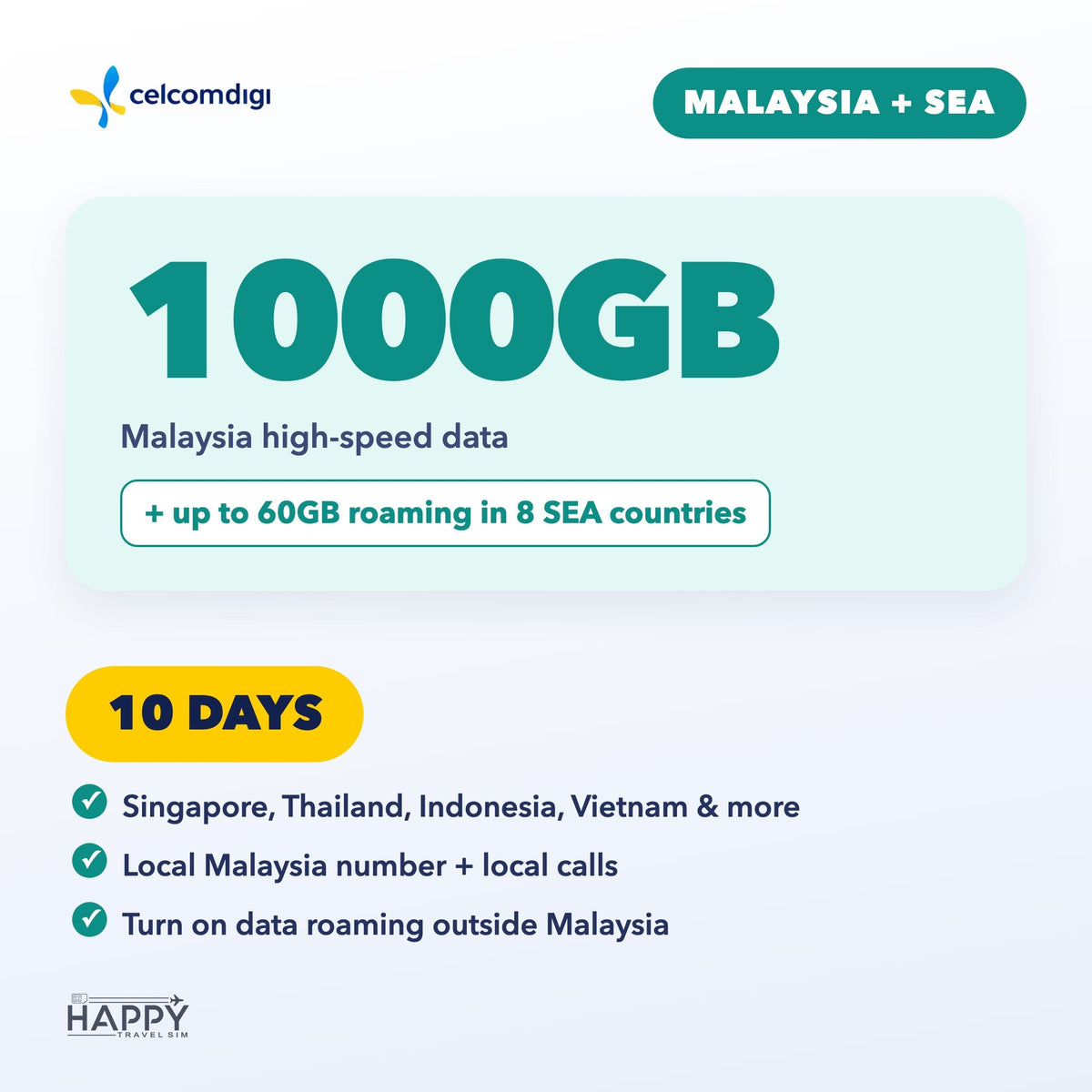
- Malaysia + SEA — Malaysia data plus up to 60GB roaming in Singapore, Thailand, Indonesia, Vietnam, Philippines, Cambodia, Laos & Brunei. 3, 5, 7, 10, 15 or 30 days.
Book by arrival date
- Pick the date you arrive in Malaysia when you order.
- We email your eSIM QR code about 48 hours before you land (right away if you arrive within 2 days). Add your WhatsApp number (optional) to get it there too.
- Install the eSIM on strong Wi-Fi before you fly — do not delete it after installing.
- Your plan days start on your arrival date (Malaysia time). Travel dates changed? Use the link in your confirmation email any time before the QR is sent.
Good to know
- Your phone must support eSIM and be carrier-unlocked. Dial *#06# — if you see an EID, your phone supports eSIM.
- Malaysia + SEA: outside Malaysia, turn on Data Roaming. APN: celcom3g.
- For travel data and calls only — it can't be used to register local apps or e-wallets, or to receive verification codes (OTP/TAC).
- Questions? support@happytravelsim.com
❓ Activation & Installation FAQ
I haven't received my QR code yet.
It is emailed about 48 hours before your arrival date (right away if you arrive within 2 days). Please also check your spam folder.
The QR code won't scan or the installation failed.
Your phone must support eSIM and be carrier-unlocked — dial *#06#; if you see an EID, eSIM is supported. Install on strong, stable Wi-Fi. If it still fails, contact us before trying again.
Installed, but no signal or data in Malaysia.
Turn on the CelcomDigi line and select it for Mobile Data. Toggle Airplane Mode on and off, or restart your phone. If needed, set the APN to celcom3g (no username or password).
Using it outside Malaysia (Malaysia + SEA plan)?
Turn on Data Roaming in your phone settings.
Still not working?
Contact us with your order number and a screenshot — WhatsApp (button on this page) or support@happytravelsim.com. ⚠️ Do NOT delete the eSIM: it can only be installed once. If our support team confirms a fault that cannot be fixed, you can request a refund review under our Refund Policy.